写真を1枚アップロード
1枚の写真を、デザインソフトなしでパーソナルなデジタルギフトに変えます。
その瞬間のために
大切な人と大切な瞬間に、心に残るギフトを作れます。
1枚の写真を、デザインソフトなしでパーソナルなデジタルギフトに変えます。
誕生日、記念日、ペットのお悔やみ、卒業、ありがとうの気持ちから始められます。
ブラウザで非公開プレビューし、透かしなしの画像を保存、送信、印刷できます。
ImgKit Gift Atelier
心を伝える言葉と上品なデザインを添えて、すぐに贈れるHD画像に仕上げます。
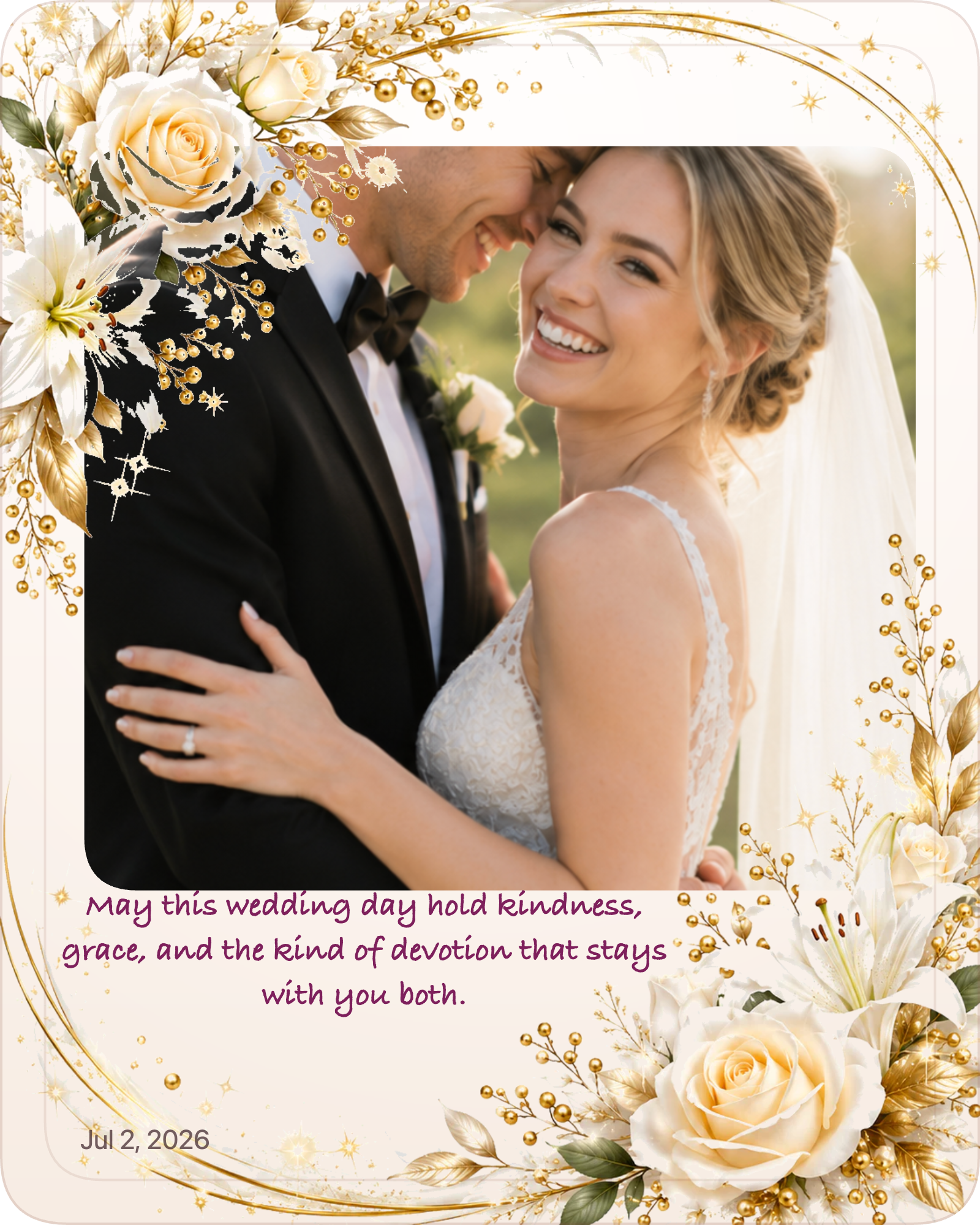
お気に入りの一枚を、送って、保存して、飾れる特別な作品に。
作例を見るGift Studio は、意味のある1枚の写真を上品なデジタル記念品に仕上げます。写真を追加し、名前やメッセージを添え、雰囲気を選び、ブラウザでデザインを確認して、送る・残す・印刷する準備ができたら完成画像を1枚だけ受け取れます。
プレビューは無料です。完成したデジタル記念品のダウンロードは US$9.99 です。
ImgKit Gift Atelier非公開プレビュー・HDダウンロード・購入後は透かしなし
5ステップ中 1
鮮明な写真を1枚選んでください。お支払い前に、完成イメージを確認できます。
人物やペットがはっきり写った、明るい正方形または縦向きの写真がおすすめです。
Need inspiration? Try the Gift Finder first.
Know their personality type?
Try Gift by MBTIWant a style match first?
Take Photo Personality TestMaking a gift for someone special?
Try Relationship Quiz5ステップ中 2
シーンを選ぶと、ぴったりの言葉とデザインをご提案します。
5ステップ中 3
提案されたメッセージを選び、タイトルや文章を自由に編集できます。
5ステップ中 4
ダウンロード前に、写真・言葉・デザインをご確認ください。
Watercolor has more color options. Other styles are one tap.
色、形、枠、レイアウトを調整します。
ステッカーの追加方法: 「ステッカーを編集」を開いて選び、写真をタップして配置します。配置済みのステッカーをタップすると削除できます。
プレビュー上に表示され、タイトルと同じようにドラッグできます。
Upload a signature on a light background. Gift Studio will extract it and place it at the lower right.
6ステップ中 5
ダウンロード前に、写真・言葉・デザインをご確認ください。
5ステップ中 5
プレビューは無料です。仕上がりに納得してからご購入ください。
US$9.99・一回払い
保存してすぐに贈れる、大きく鮮明な画像1点。
プレビューは無料です。納得できたときだけ完成させましょう。
安全な決済です。完成画像は30日間利用できます。
非公開でプレビュー作成中の写真はこのブラウザ内だけに残ります。
雰囲気を整える場面、言葉、トーン、デザインを選びます。
US$9.99 で完成透かしなしの HD ダウンロードを一回払いで取得できます。
Start from an occasion
Each page shows how one photo and one message become a finished keepsake for a specific moment.
Fast enough for a same-day surprise, personal enough to feel considered.
Anniversary Photo GiftTurn one photo into a shared milestone worth keeping.
Christmas Photo GiftA warm holiday keepsake you can preview free before deciding.
Graduation Photo GiftOne strong photo and a proud message, finished as an HD download.
Thank-You Photo GiftGratitude that reads as personal rather than generic.
Pet Memorial KeepsakeA calm, beautiful memorial made from a favourite photo of your companion.
Memorial Memory GiftA soft card style for honouring a cherished memory.
Last-Minute Photo GiftFor when the clock is moving fast and the gift still needs to feel special.
Digital Gift ExamplesFinished examples made from one photo across birthdays, memorials, and family moments.