Preview free before paying
Upload one meaningful photo and see the finished keepsake without any upfront charge.
Made for their moment
Start from one photo, choose an occasion, and turn it into a personalized digital keepsake in minutes.
Upload one meaningful photo and see the finished keepsake without any upfront charge.
Unlock a clean, watermark-free download only when you are happy with the design.
Your final image is ready to save, share, or print without any visible branding.
Pay once for the finished download and keep using the preview experience for free.
A private backup link helps you recover the finished image after checkout.
ImgKit Gift Studio
Turn one meaningful photo into a keepsake image with a message, a designed frame, and a clear HD download. Preview for free. Download when it feels ready.
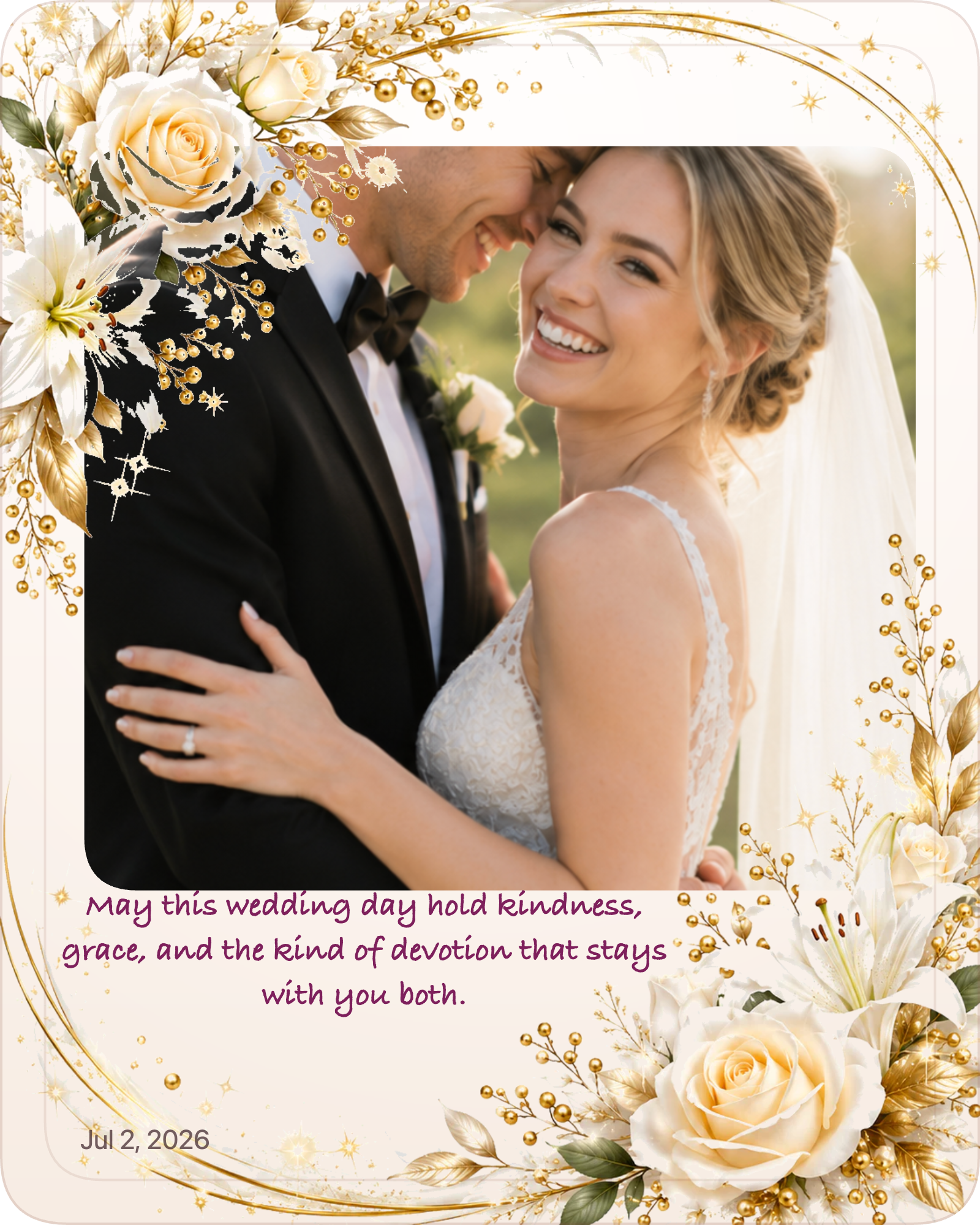
Turn one favorite photo into something ready to send, save, or print.
Preview sampleGift Studio helps you turn one meaningful photo into a polished digital keepsake. Upload a photo, add a name or message, choose a mood, preview the design in your browser, and unlock one clear finished image when it feels ready to send, save, or print.
Preview free. Finished personalized digital keepsake download: $9.99.
ImgKit Gift StudioPreview free · HD download $9.99 · Email backup link for 30 days
Need inspiration?
Use these quick links if you want a little help choosing the photo, the words, or the occasion before you open the editor.
Step 1 of 5
Choose one clear photo. We’ll turn it into a polished keepsake preview before checkout.
Best results: one clear subject, good lighting, portrait or square photo.
Need inspiration? Try the Gift Finder first.
Know their personality type?
Try Gift by MBTIWant a style match first?
Take Photo Personality TestMaking a gift for someone special?
Try Relationship QuizQuick answer: one photo, one short message, one style.
Step 2 of 5
Choose one occasion so we can suggest a fitting message.
Step 3 of 5
Pick a ready message or write one short note.
Step 4 of 5
Review the finished keepsake first. Fine-tune the optional details only if you want to.
Watercolor has more color options. Other styles are one tap.
Optional controls for color, crop, and text layout.
Add a small personal detail. Optional accents can make the design feel more personal. Keep it simple for a cleaner gift.
These details appear on the preview and can be dragged just like the title.
Upload a photo or scan of a signature on a light background. Gift Studio will extract it and place it at the lower right.
Step 5 of 6
Make sure the photo, words, and design feel right before download.
Step 5 of 5
Preview is free. Only pay when your gift looks right.
$9.99 one-time
One large, clear image ready to save, send, or post.
Preview is free. Complete your gift only when it feels right.
Secure checkout. Your finished image remains available for 30 days.
Your HD image is ready to save. We also sent a private backup link to your email.
Open / Save imageGift Studio explained
A personalized digital photo gift is a finished keepsake image made from one meaningful photo, a short message, and a designed frame. It works well for birthdays, pet memorials, anniversaries, thank-you notes, graduations, holidays, and last-minute gifts.
With ImgKit Gift Studio, you can upload one photo, add your own words, choose a gift style, and preview the result in your browser. The preview is free. When the design feels ready, you can download one clear HD image for $9.99.
Add a personal message and choose a keepsake style.
Adjust the design in your browser and only pay when it feels right.
Download one clear HD image for chat, email, social posts, or printing.
Who is this for
Gift Studio is for people who want to turn one meaningful photo into a finished digital gift without design software. It works for birthdays, anniversaries, pet memorials, thank-you notes, graduations, holidays, and family memories.
When to use
Use Gift Studio when the moment already has a clear feeling and one photo can carry most of the story. It is especially useful for same-day birthdays, last-minute anniversaries, pet memorials, thank-yous, and other occasions where shipping is too slow or a generic card feels thin.
How it works
Upload one photo, choose an occasion, write a short message, preview the design, and download the finished HD image when it feels ready.
Start with the moment
Choose a focused page for photo guidance, template moods, and messages that fit the occasion.
Preview privatelyPreview and refine the gift in your browser before checkout.
Refine the feelingChoose the occasion, words, tone, and design.
Finish for $9.99Pay once for the watermark-free HD download.
FAQ
Gift Studio is ImgKit’s personalized digital gift maker. Upload one photo, add a message, choose a design, preview free, and buy the finished download if you want it.
You can preview your personalized gift image free. A finished personalized digital keepsake download costs $9.99.
No account is required to preview a gift. Paid downloads may use your email for receipt and recovery access.
Start from an occasion
Each page shows how one photo and one message become a finished keepsake for a specific moment.
Fast enough for a same-day surprise, personal enough to feel considered.
Anniversary Photo GiftTurn one photo into a shared milestone worth keeping.
Christmas Photo GiftA warm holiday keepsake you can preview free before deciding.
Graduation Photo GiftOne strong photo and a proud message, finished as an HD download.
Thank-You Photo GiftGratitude that reads as personal rather than generic.
Pet Memorial KeepsakeA calm, beautiful memorial made from a favourite photo of your companion.
Memorial Memory GiftA soft card style for honouring a cherished memory.
Last-Minute Photo GiftFor when the clock is moving fast and the gift still needs to feel special.
Digital Gift ExamplesFinished examples made from one photo across birthdays, memorials, and family moments.