Quick Answer
Quick Answer
Pick one clear photo, write one short line, and preview the result before you finish.
Guide
A digital photo gift can stay digital, but it can also become a printed keepsake. Good printing starts with the right file, the right size, and a quick review so the image looks clear when it leaves the screen.
Quick Answer
Pick one clear photo, write one short line, and preview the result before you finish.
Key Takeaways
Definition
Checklist
Comparison Table
| Situation | Guide page | Gift Studio |
|---|---|---|
| Use when | You need instructions first | You are ready to build the gift |
| What it gives you | Steps, tips, and examples | A live editor and preview |
| Next step | Read, then open the matching page | Upload the photo and edit the layout |
Common Mistakes
Best Practices
Summary
A digital photo gift can stay digital, but it can also become a printed keepsake. Good printing starts with the right file, the right size, and a quick review so the image looks clear when it leaves the screen.
FAQ
No. A standard photo-capable printer or a reputable print service is usually enough.
It is better to print from the finished HD version when possible.
Choose the size that matches the image ratio so the composition stays intact.
Step-by-step guide
A finished HD image usually gives the printer the cleanest source file.
Make sure the image size matches the print size you want.
Small adjustments can help keep text readable and the photo centered.
Tips
Printing an image at the wrong ratio can hurt the result fast.
Matte or photo paper can each work well depending on the mood.
The printed version is nice, but the digital file is still useful for sharing.
Common mistakes
Printing from a low-resolution preview instead of the finished file.
Forgetting to match aspect ratio to print size.
Using paper or settings that make the colors look muddy or overly bright.
Best decorations
Minimal
Minimal now means the actual Minimal decoration tab in Gift Studio: cleaner frames, more breathing room, and fewer ornamental elements so the photo and message can stay the focus.Decoration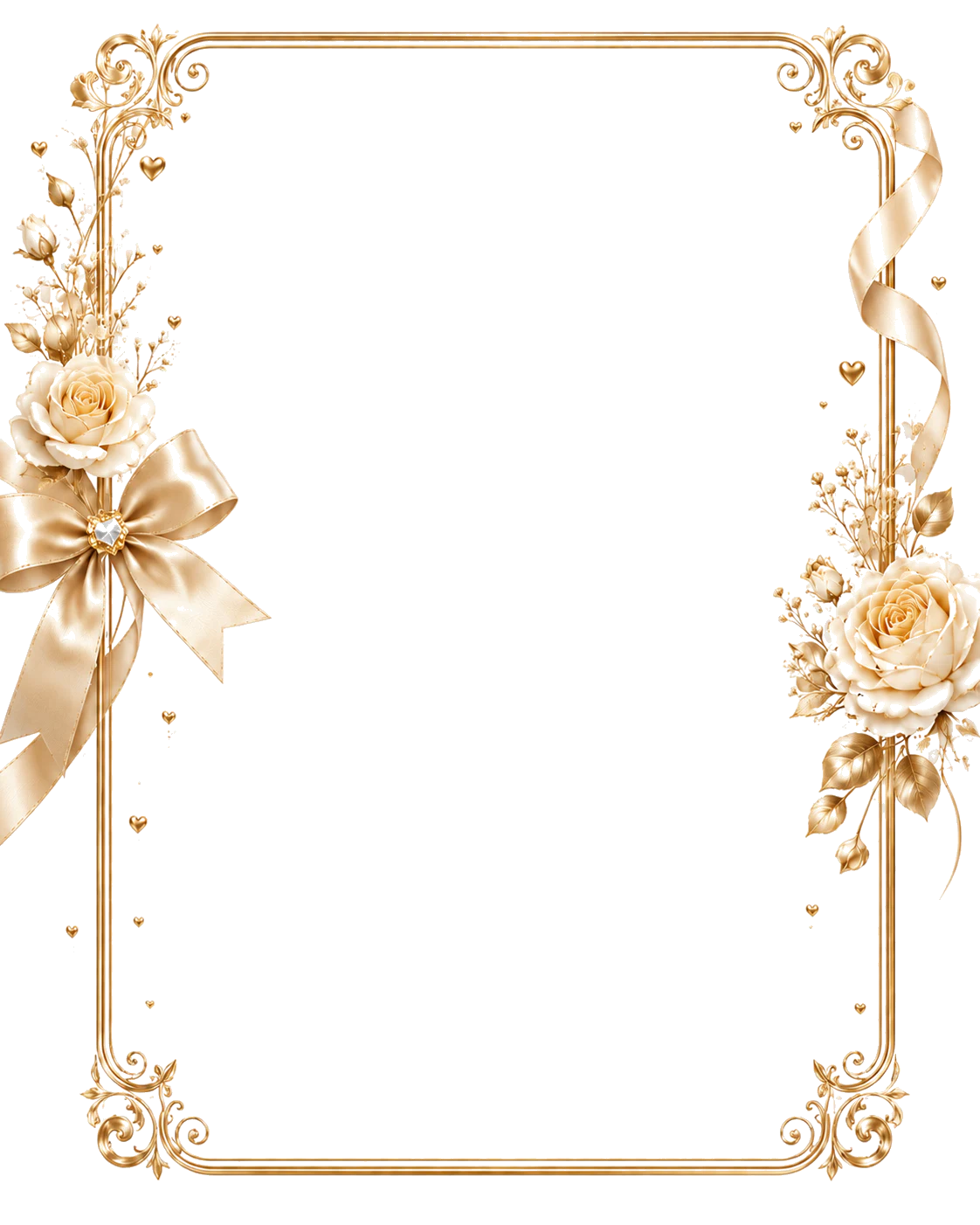
Elegant Gold
Elegant Gold now reflects the current decoration system directly: premium gold borders, formal photo windows, and milestone-ready framing for retirement, graduation, wedding, and elevated celebration gifts.Decoration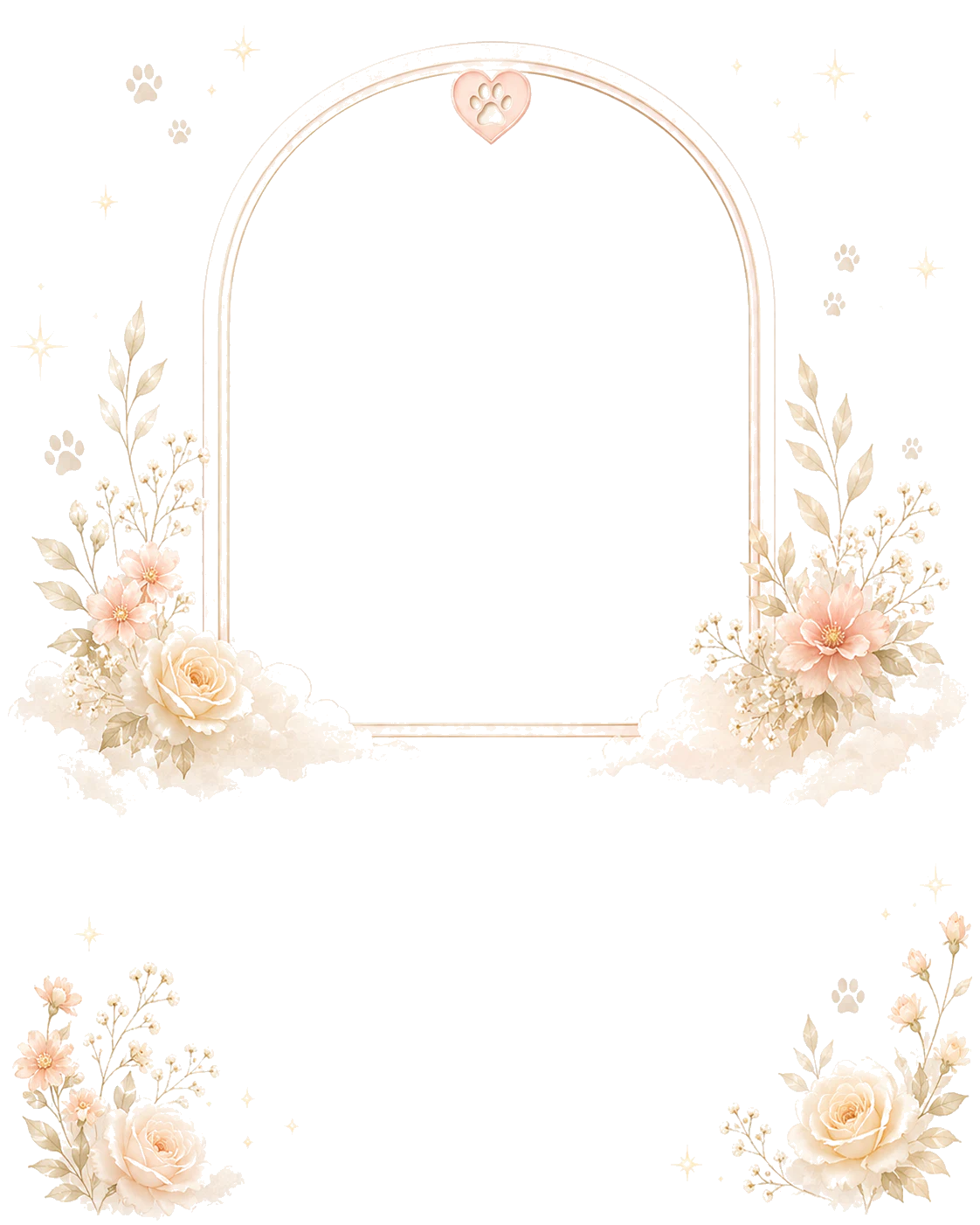
Floral
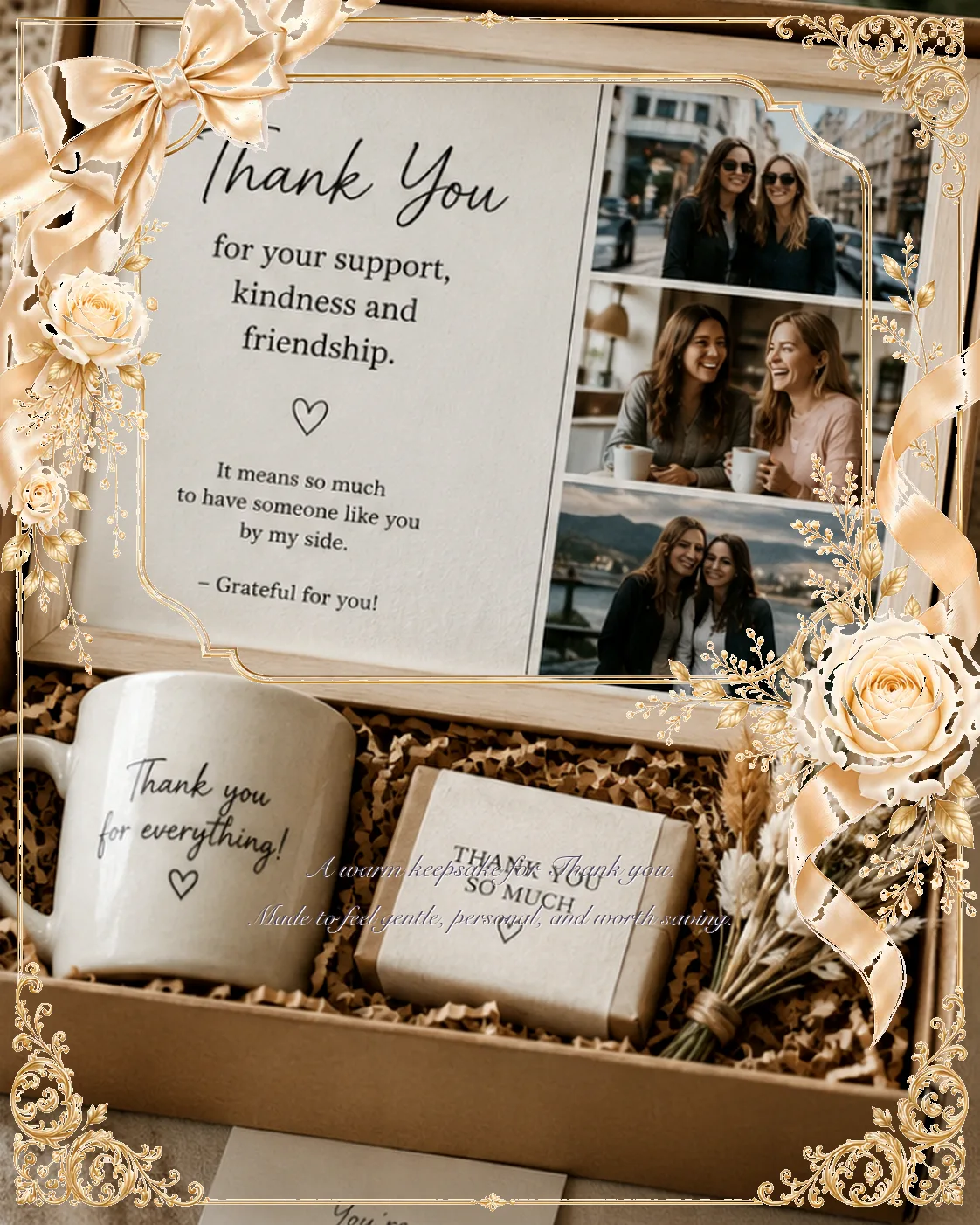
Floral is now described through the actual decoration picker: bloom-led borders, gentle corners, and softer romantic framing that works for appreciation, family, and quietly affectionate gifts.DecorationExamples




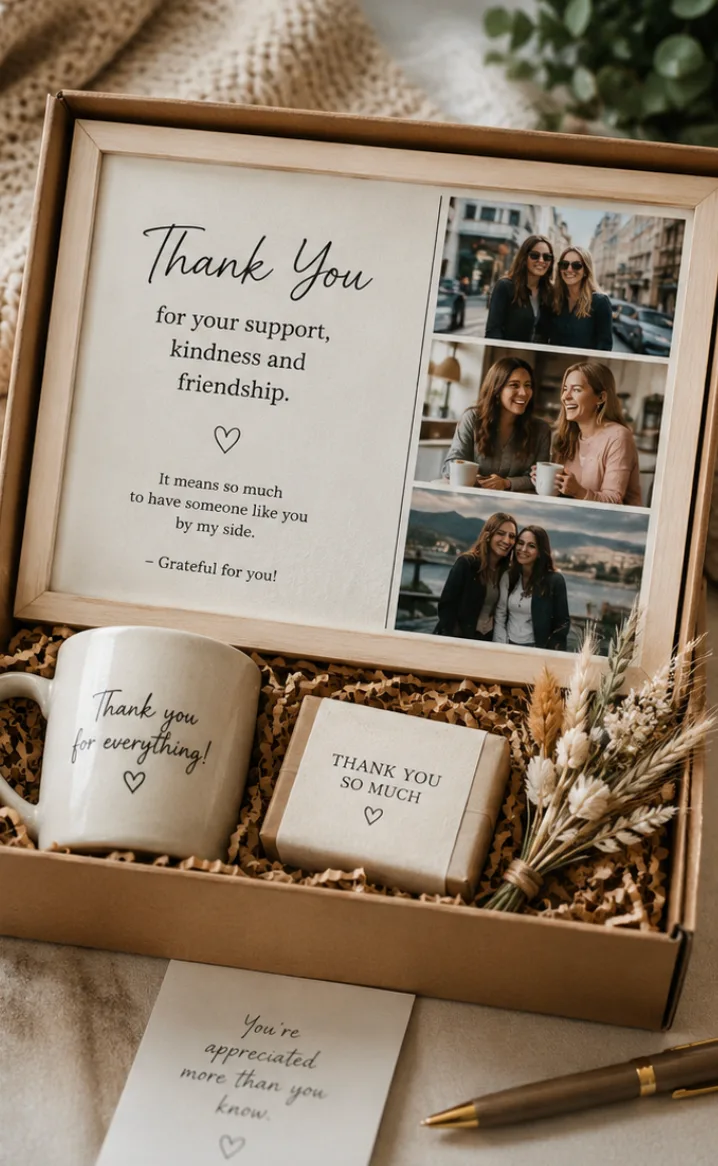
A personal graduation keepsake that feels polished and easy to share.
FAQ
No. A standard photo-capable printer or a reputable print service is usually enough.
It is better to print from the finished HD version when possible.
Choose the size that matches the image ratio so the composition stays intact.
Resources
Use these references to jump between the guide, the matching occasion, and the people who wrote or reviewed the content.
Choose a photo gift decoration that matches the photo, the occasion, and the tone you want the final gift to carry.
Read guideHow to Make a Birthday Photo GiftLearn how to make a birthday photo gift from one photo, a short message, and a decoration style that keeps the result cheerful and readable.
Read guideHow to Create a Graduation Photo GiftLearn how to create a graduation photo gift that feels proud, polished, and ready to share with family or friends.
Read guideBirthday Photo GiftTurn one birthday photo into a personalized digital gift image with a message, a designed frame, and an HD download.
Open pageThank-You Photo GiftCreate a thank you photo gift from one photo. Preview the design free, choose a style, and download a finished HD keepsake image.
Open pageGraduation Photo GiftCreate a graduation photo gift from one photo. Preview the design free, choose a style, and download a finished HD keepsake image.
Open pageLeon PatelCreates how-to guides and photo tips that keep the advice simple, clear, and ready to use in Gift Studio.
View authorDylan RossChecks guides and photo tips for freshness, usefulness, and a calm editorial voice.
View reviewerOpen Gift StudioMove from the guide into the editor when you are ready to make the gift.
Create a giftSee how the article was reviewed, then use the buttons below if something needs attention.
Editorial policyOpen Gift Studio
Use this guide as a starting point, then open Gift Studio when you are ready to turn the idea into a finished image.
Topic graph
Follow the connected pages below to move from this topic into the closest guides, messages, examples, decoration guides, recipient guides, occasions, and memory guides.
Use these how-to pages when you need the next practical step.
Choose a photo gift decoration that matches the photo, the occasion, and the tone you want the final gift to carry.
Read guideHow to Create a Graduation Photo GiftLearn how to create a graduation photo gift that feels proud, polished, and ready to share with family or friends.
Read guideHow to Make a Birthday Photo GiftLearn how to make a birthday photo gift from one photo, a short message, and a decoration style that keeps the result cheerful and readable.
Read guideUse these message pages when the wording needs to match the tone.
Browse 100+ graduation gift message examples for warm, simple, emotional, proud, and playful photo gifts.
Browse messagesBirthday gift messages that sound warm and personalBrowse 100+ birthday gift message examples for warm, simple, emotional, playful, and long-distance photo gifts.
Browse messagesThank-you gift messages that feel specific and sincereBrowse 100+ thank-you gift message examples for warm, simple, emotional, appreciative, and concise photo gifts.
Browse messagesCompare finished examples to check the direction before you decide.
Graduation example cards showing how one photo becomes a milestone keepsake with a proud, polished tone.
Open examplesFriendshipFriendship example cards showing how one photo becomes a relaxed keepsake for friends and shared memories.
Open examplesBirthdayBirthday example cards showing how one photo becomes a playful keepsake with a clear celebration tone.
Open examplesChoose the style direction that supports the photo and message.
Match the gift to the person or relationship first.
Narrow the choice by the occasion that matters most.
Create a graduation photo gift from one photo. Preview the design free, choose a style, and download a finished HD keepsake image.
Open pageThank-You Photo GiftCreate a thank you photo gift from one photo. Preview the design free, choose a style, and download a finished HD keepsake image.
Open pageBirthday Photo GiftTurn one birthday photo into a personalized digital gift image with a message, a designed frame, and an HD download.
Open pageKeep the archive, timeline, or legacy context clear.
Read the latest articles for deeper context on this topic.
Discover thoughtful birthday gift ideas for family and friends, including personalized photo gifts, custom keepsakes, and last-minute digital gifts.
Read article50 Best Personalized Gift IdeasExplore 50 meaningful personalized gift ideas for birthdays, anniversaries, memorials, weddings, holidays, and everyday moments of appreciation.
Read articleHow Personalized Gifts Strengthen RelationshipsLearn why personalized gifts build stronger relationships by showing attention, preserving memories, and turning shared moments into lasting keepsakes.
Read articleUse these free browser tools to prepare, edit, or convert your images.